
A Baldwin Park customer called on a Tuesday in a mild panic. His desktop had worked fine the night before, and that morning it did absolutely nothing. No fans, no lights, no beep. He had already ordered a power supply based on a forum thread and wanted to know whether to cancel it. We told him to hold off, because a machine showing no sign of life is one of the few repairs where guessing at parts costs more than testing does.
We see a handful of these every week, from Apopka to Oviedo to Doctor Phillips. Customers describe the symptom identically every time, and the cause almost never turns out to be the same. A computer that will not turn on is not one problem. It is at least four of them wearing the same costume.
Dead Covers Four Very Different Problems
The first thing we ask on the phone is what the machine does when you press the button. The answer sorts almost every no-power call into one of four buckets:
- Nothing at all. No light, no fan twitch, no sound. Power is not reaching the board, or the board is refusing to accept it.
- Fans and lights, but no picture. The system is powering up and failing to finish starting. That points at memory, the graphics card, or the CPU, not the power side.
- Powers on for half a second and shuts back off. Usually a short, a protection circuit doing its job, or a supply that collapses under load.
- Runs a few seconds or a few minutes, then dies. Heat, a supply that cannot hold voltage, or swollen capacitors on the board.
Four buckets, four repairs, four very different prices, and about ten minutes on the bench to tell them apart.
The Wall Outlet Is Not a Given in Central Florida
More no-power calls around here trace back to the wall than people expect. Central Florida gets more lightning than nearly anywhere else in the country, and our pattern of a hard afternoon storm followed by a flicker is rough on switching power supplies. A surge does not need to fry a whole computer to kill it. It only has to break one link in the power chain.
- Older homes in College Park and Winter Park often run a modern office load on circuits never designed for one.
- A power strip is not a surge protector, and the strips that really are wear out silently after a few Florida storm seasons.
- A brownout, where voltage sags instead of spiking, is harder on a supply than a clean outage. Those show up in Casselberry and Longwood every August.
What the Meter Tells Us in the First Ten Minutes
Every no-power machine on our bench gets the same opening sequence before we look up a part number.
- Confirm the outlet and the cord. A known good cable into a tested outlet eliminates the cheapest cause first, for certain.
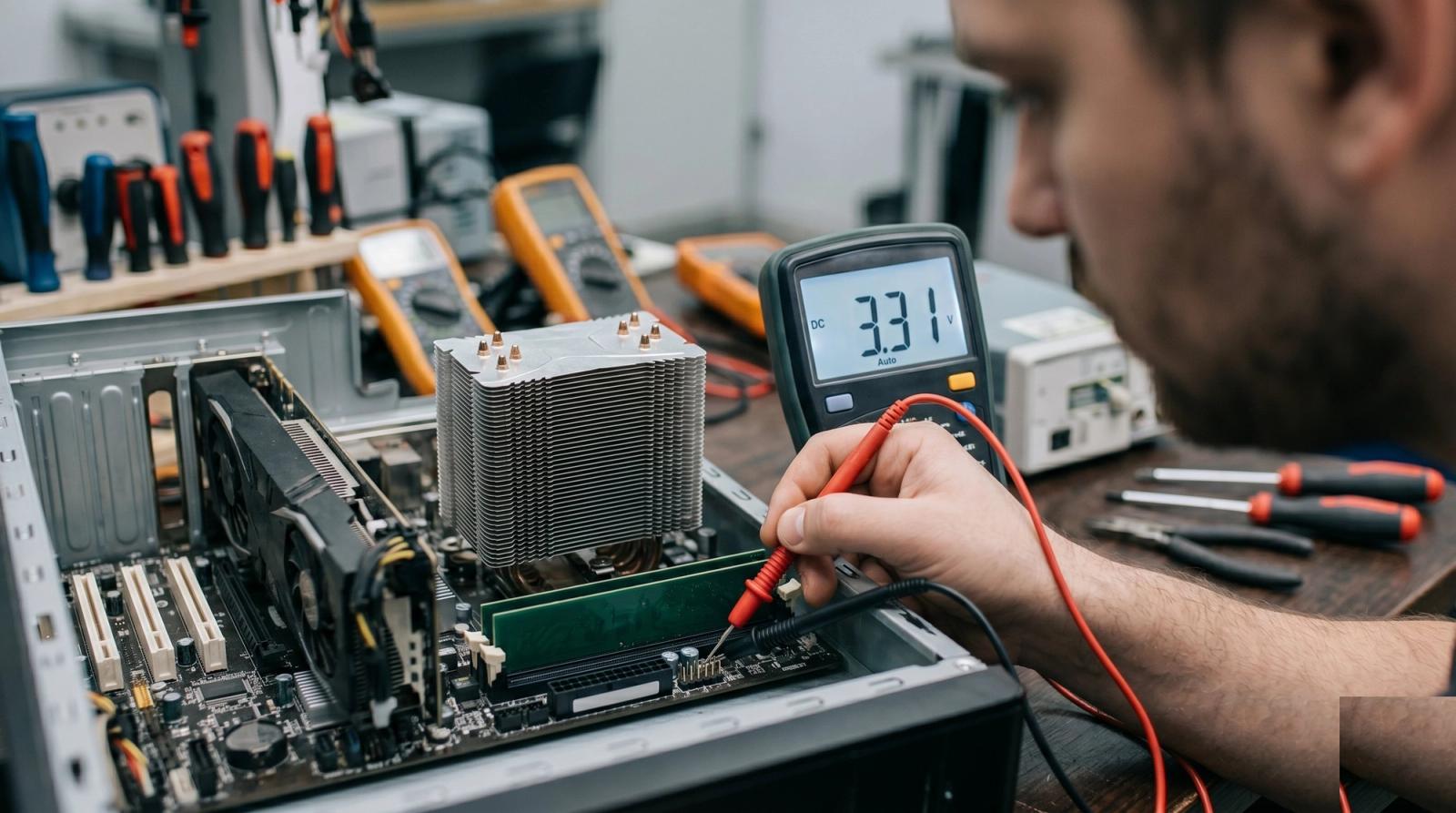
- Check the supply at rest. A standby voltage should be present the instant the unit is plugged in, long before anyone touches the button. If it is missing, the supply is the suspect.
- Watch the low voltage rails under load. A 3.3 volt rail sitting where it belongs means one thing. The same rail sagging when the fans spin up means something else.
- Test the case button and front panel header. A worn out switch or a header pin knocked loose during a cleaning looks exactly like a dead computer and costs almost nothing to fix.
- Bench the board by itself. Out of the case, one stick of memory, no extra cards. It either starts in that state or it does not, and that answer beats any amount of parts swapping.
That sequence separates a diagnosis from a shopping list. We would rather spend ten minutes with a meter than invoice somebody for a supply that was never the problem.
The Parts That Fail Most Often Around Here
- Power supplies. The most common culprit by a wide margin, especially budget units inside prebuilt desktops that are five or six years old.
- Motherboard capacitors. Heat and time make them bulge, and boards living in warm garages age faster than the ones in air conditioning.
- CMOS batteries. A dead coin cell rarely stops a boot outright, but it causes odd half-starts and lost settings that read like something far more expensive.
- Front panel switches. Cheap cases wear the button out long before anything on the board gives up.
- Laptop charging ports. A cracked or loose DC jack is the leading reason a laptop refuses to wake up at all.
We also pull a remarkable amount of dust and humidity damage out of machines kept in unconditioned space. A desktop that spends an Orlando August in a room nobody cools is working harder than its owner realizes, and the power supply is usually the first part to say so.
What You Can Safely Check Before You Drive Over
None of this needs tools, and any one might save you a drive across town on I-4.
- Try a different outlet on a different wall, ideally one on another breaker.
- Swap the power cord. Desktop cords are interchangeable, and a bad one is more common than people assume.
- Unplug it, hold the power button down for fifteen seconds, then plug it back in and try again. That drains residual charge and clears a surprising number of stuck states.
- Look through the case vents for a small light on the motherboard. If anything is lit, power is getting in and the fault is further down the line.
- On a laptop, try a known good charger of the correct wattage. A borrowed charger that is underrated will often do nothing at all.
If none of that moves the needle, stop there. Opening a power supply is dangerous even hours after unplugging it, and there is nothing inside one a homeowner can service.
When a Dead Machine Is Not Worth Saving
Sometimes the meter says the board is gone, and on a machine old enough to take DDR3 memory that is the end of the road. A replacement board for a dead platform costs more than a better used system, and we say so plainly.
Our rule is simple. If the repair costs more than half of what the machine is worth working properly, we tell you that up front, and we tell you what the smarter move would be instead.
The good news is that most of these machines are not gone. A power supply, a switch, a coin cell, or a charging port covers most of the no-power work coming through our door, and each is a same-week repair. You can see what else we handle on our repair services page, including data recovery from drives that were perfectly healthy when the rest of the computer quit.
If your desktop or laptop went dark and the outlet, the cord, and the fifteen second button hold all came up empty, bring it in and let us put a meter on it. Tech Forge Computers serves Orlando from Winter Garden and Ocoee out to Sanford and Oviedo, and a no-power diagnostic tells you what you are facing before you buy parts.