
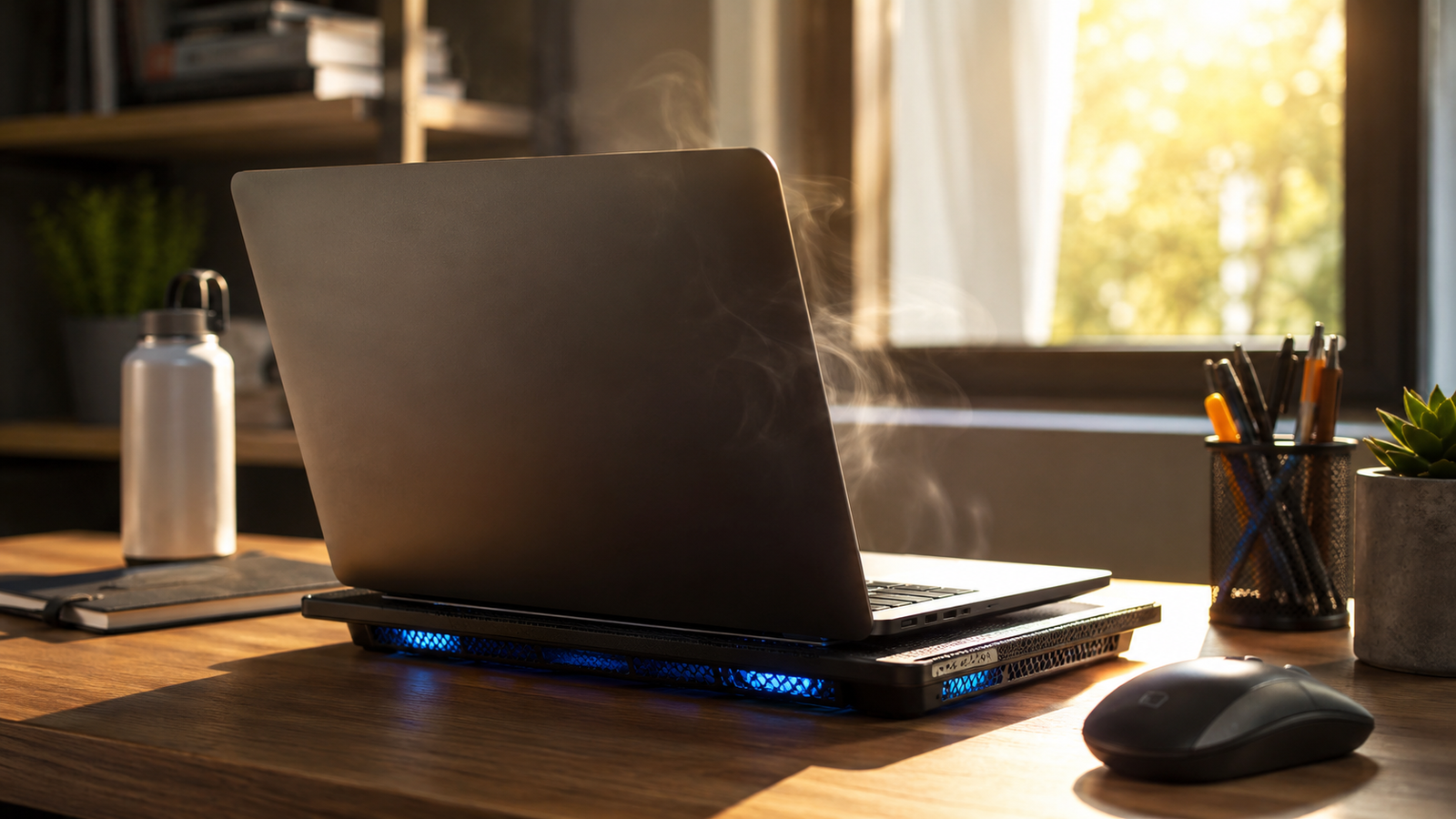
It's June in Orlando. Temperatures are climbing past 90, humidity is sitting at 80%, and the AC is the only thing keeping the house livable. Meanwhile your laptop fans are running so loud they sound like a jet engine, the palm rest is uncomfortably warm to touch, and you've had at least one mysterious shutdown this week. Welcome to summer in Florida.
Heat is the enemy of every laptop, but Florida's particular combination of high humidity, frequent AC-to-outdoor temperature swings, and seven months of 85°+ weather makes our state especially hard on portable computers. The good news: most of the fixes are cheap and you can do them yourself this afternoon.
Why Florida is uniquely brutal on laptops
Three things conspire against your laptop in a Florida summer.
First, ambient heat. Most laptops are engineered to dissipate heat well at 70°F room temperatures. At 85°F (a normal indoor summer day if your AC is struggling), they work much harder. The air around a laptop sitting on a desk near a window can be 5–10° warmer than the rest of the room.
Second, humidity. Florida humidity sits at 70–90% for most of the summer. Humid air carries more heat than dry air, making cooling less efficient. Worse, humidity accelerates the breakdown of thermal compound, the paste between your CPU and heatsink. An Orlando laptop's thermal paste degrades noticeably faster than the same laptop's in Phoenix.
Third, temperature cycling. You walk out of a 72° house into a 95° driveway, sit in a hot car, walk into a 68° coffee shop, then back outside. The constant expansion and contraction stresses every component inside, and condensation can form when a cold laptop meets warm humid air.
How to tell your laptop is actually overheating
Some warmth is normal, laptops aren't ice. But these symptoms point to a real thermal problem:
- Fans run at full speed even when you're just browsing or reading email
- The palm rest or bottom case is too hot to comfortably keep on your lap
- The laptop shuts down or freezes during basic tasks
- Performance crawls during ordinary work, even after a fresh restart
- It reboots on its own during video calls or anything moderately demanding
One symptom every once in a while is fine. Two or more, consistently, means heat is choking the system.
Four things to fix right now (mostly free)
1. Clean the vents. Get a can of compressed air. Power the laptop off, take it outside (this gets messy), and blow short bursts of air into every vent while holding the fan still with a toothpick so you don't spin the bearings up and damage them. You will be horrified by what comes out. Do this every 3–6 months in Florida.
2. Stop using it on a soft surface. Beds, couches, and pillows block the intake vents. The laptop suffocates. Use a desk, a book, or a $15 laptop cooling pad from Amazon. A cooling pad with built-in fans pays for itself in extended laptop life.
3. Check what's running. Open Task Manager (Ctrl+Shift+Esc) and sort the Processes tab by CPU. Something hogging 60–80% while you're idle is making your fans scream. Common culprits: Chrome tabs, Windows Update sneaking a download, antivirus full scans, or sometimes actual malware. Close what shouldn't be there.
4. Update your graphics drivers. Outdated drivers cause GPUs to work harder than they need to. Download the latest from your laptop manufacturer's support page not from a random 'driver updater' tool, which is usually adware.
When DIY isn't enough
If you've done all four steps above and the laptop is still hot, the issue is mechanical and you've hit the limit of what cans of air can fix.
Thermal paste degrades. The paste between your CPU and heatsink has a useful life of 2–3 years under normal use, less in Florida humidity. When it dries out, heat stops transferring properly and you get exactly the symptoms above. Repasting is a cheap part but requires disassembling most of the laptop is not impossible, but tricky on modern Dell XPS, MacBooks, or anything with a glued battery.
Fans wear out. Laptop fans typically last 4–7 years. They start to wobble, then squeal, then stop. A failing fan can't keep up with summer heat, and the CPU throttles to compensate, which is what makes everything feel slow.
Internal dust cakes. Compressed air can clean visible vents, but it can't reach the fan blades and heatsink fins where dust really accumulates. That requires opening the laptop and physically clearing it out.
When to call us
If your laptop is 3+ years old, has been overheating consistently for weeks, and a can of compressed air didn't help, it's almost certainly a paste and fan issue. We do mobile laptop tune-ups across the Orlando area repaste, fan cleaning or replacement, and a full thermal check, usually same-week.
A $99 tune-up that buys you 2–3 more years of laptop life is one of the better computer-related decisions you can make. The alternative, a new laptop for $700–1500 is what most people end up doing because nobody told them thermal maintenance was even an option.
Florida laptops are like Florida cars: they need a little more love than the same machine would in Vermont. Twenty minutes with compressed air every six months and a tune-up every 2–3 years, and you'll get nearly twice the lifespan out of the same hardware.