
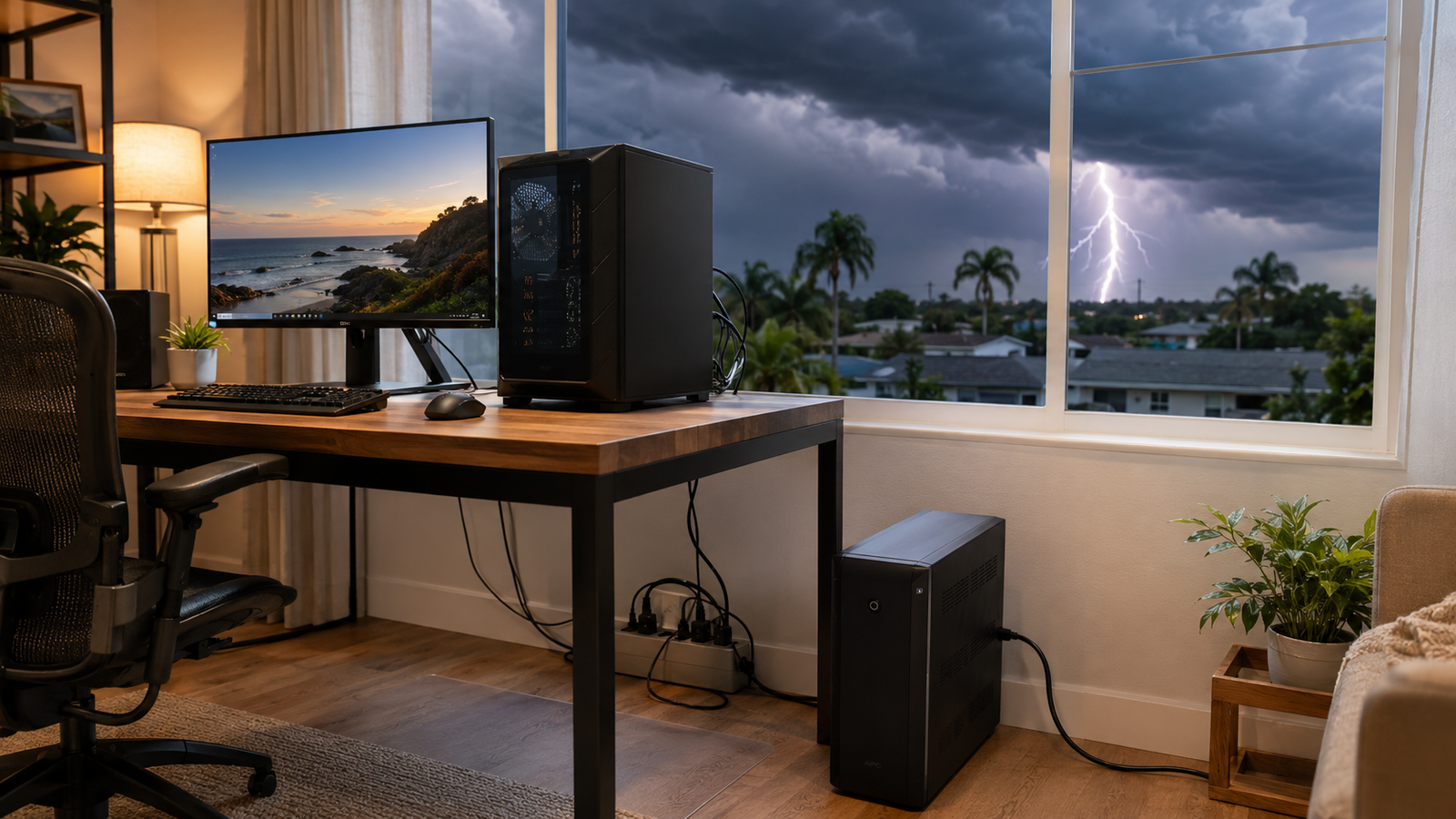
It happened to a customer in Lake Mary last July. She had her gaming PC, two monitors, and a router all plugged into a white power strip, the kind that comes free with a surge of confidence because it has six outlets. A thunderstorm rolled in off Lake Jesup around 3 PM, knocked the power out briefly, and when it came back on, her PC wouldn't POST. The surge had come through the cable line, not even the power outlet. Total damage: motherboard, NIC, and the modem. The strip was fine.
Central Florida is, statistically, the lightning capital of North America. The corridor between Tampa and Orlando sees more lightning strikes per square mile than virtually anywhere on the continent, and from June through September, afternoon storms are nearly a daily routine. Your computer is sitting inside your house, plugged into walls that connect to miles of conductive wiring running outdoors. A strike doesn't need to hit your roof to ruin your hardware.
A Power Strip Is Not a Surge Protector
This is the single most common misconception in home tech setup. A power strip is just an extension cord with extra outlets. It does nothing to protect against voltage spikes. A surge protector looks almost identical but contains a metal oxide varistor (MOV) that absorbs excess voltage before it reaches your equipment.
The problem is that cheap surge protectors are barely better than nothing. Here's what to look for when buying one:
- Joule rating: Look for at least 1,500-2,000 joules. This is the amount of surge energy it can absorb before failing. Most budget strips are rated at 200-400 joules.
- Clamping voltage: Lower is better. 400V clamping voltage means the protector kicks in before damage can occur. Anything above 500V is marginal.
- Indicator light: A real surge protector has a "Protected" status light. If that light is off, the MOV has been used up by previous surges and you're running unprotected, even though the strip still provides power.
- UL 1449 listing: This is the safety certification to look for on the label. Not all strips carry it.
Brands like APC, Tripp Lite, and Belkin make solid options in the $25-$50 range that are genuinely worth it. The $8 one from the grocery store checkout lane is not.
The Right Move for Desktops: A UPS
A Uninterruptible Power Supply (UPS) is a battery backup and surge protector combined. When the power flickers or cuts out entirely, as it often does during Florida storms, a UPS keeps your computer running long enough to save your work and shut down cleanly.
Desktop PCs are the most vulnerable to power interruptions. A hard power cut in the middle of a write operation can corrupt your operating system or, less dramatically, just lose whatever you hadn't saved. Laptops have batteries built in, so they handle this automatically. Desktops don't.
A basic UPS for a desktop, monitor, and router runs $60-$120 (APC's Back-UPS line is the standard recommendation for home users). For a high-wattage gaming rig, budget more. You'll need a unit rated for 1500VA or higher to get meaningful runtime.
The battery in a UPS degrades over time. Most last 3-5 years before needing replacement. APC sells replacement batteries for most of their units, usually cheaper than buying a new device.
Don't Forget the Other Entry Points
Most people protect the power outlet and forget everything else. In Florida, this matters more than almost anywhere else because lightning can induce voltage spikes on any conductive path into your home.
Cable and coax: Your modem connects to a coaxial cable that runs outside. A nearby strike can send a surge through that line directly into your modem, and then into anything connected to it via Ethernet. Whole-house coax surge protectors install at the cable entry point to your home and cost about $15-$25. Your ISP may even install one for free if you ask.
Ethernet: If you have a desktop with a wired network connection, and that wiring runs through your walls to a router near an exterior wall or window, an Ethernet surge protector on the port is cheap insurance. They cost around $10.
Phone lines: Less common now, but if you have any equipment like a fax machine or an older security system plugged into a landline, that's another vector worth covering.
What to Do If It Already Happened
If your area took a lightning hit and your computer won't turn on, or is behaving strangely, stop trying to power it on. Repeatedly cycling power through damaged components can sometimes make things worse.
Signs of surge damage include:
- Computer won't POST (no startup screen at all)
- Burning smell from inside the case
- USB ports, Ethernet port, or peripherals suddenly not working
- Power supply fan running but nothing else happening
- System boots but immediately throws errors or bluescreens
A diagnostic visit can usually tell you within the hour whether you're looking at a dead power supply (often the first casualty, and relatively cheap to replace), a damaged motherboard (more serious), or data that's still recoverable even if the machine isn't coming back.
If your computer was on during a storm and is now acting strangely, such as running slower than usual, throwing errors, or dropping its network connection, that's worth checking out. Partial surge damage is common and tends to worsen over time.
Before the Next Storm
If you're in the Greater Orlando area, June through September is the window where you want your protection in place before the 3 PM storm rolls in, not after. It takes about ten minutes to check every computer in your house and verify that each one is plugged into a real surge protector with a functioning "Protected" indicator.
If you've recently moved here from the Midwest or Northeast, this is one of the real differences about Florida that doesn't make the brochure: afternoon lightning is practically scheduled. Your tech setup needs to account for it.
Tech Forge Computers offers mobile service throughout the Orlando metro, from Lake Nona to Winter Park to Dr. Phillips. If you want someone to walk through your home office or small business setup and identify vulnerabilities, or if a storm has already done damage, reach out and we'll get you sorted.
The best time to surge-protect your computer was before the last storm. The second-best time is right now.